Single Screen
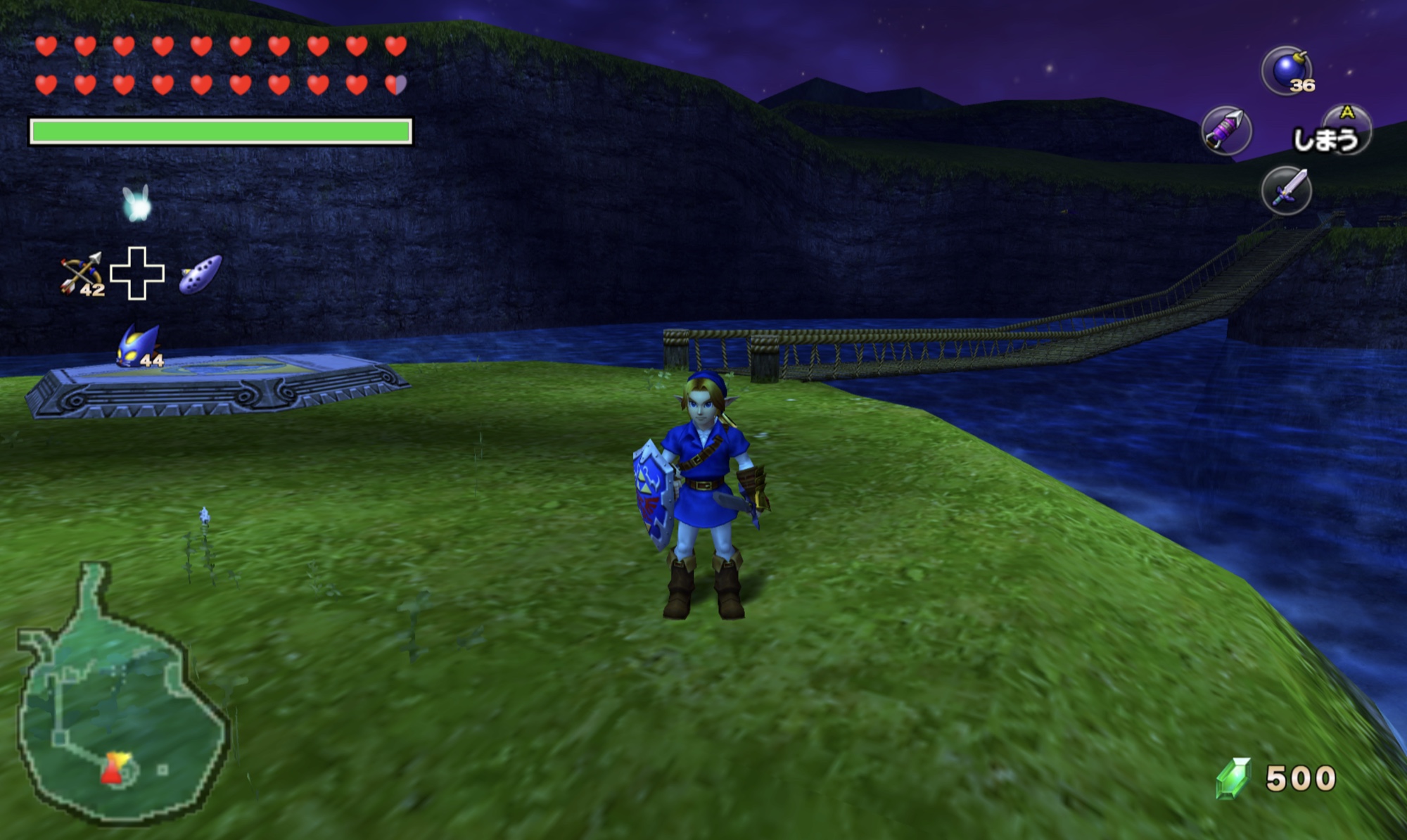
Redesigned file selection, Items, Gear, Map, and Songs on the main screen, with item previews, descriptions, and live controller assignments.
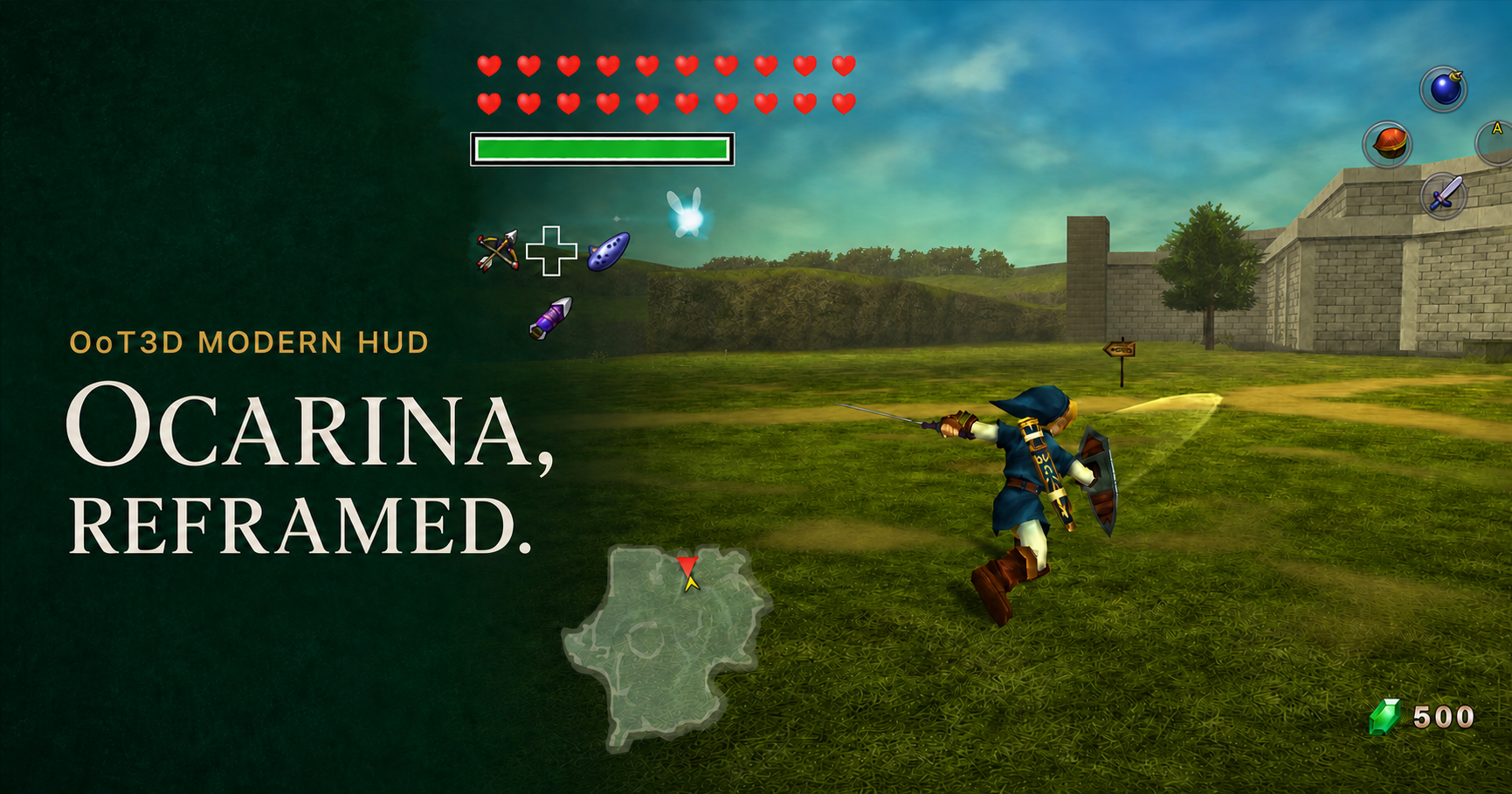
A high-resolution HUD and C-stick free camera mod for Ocarina of Time 3D. Inspired by Project Restoration’s modern controller layout, every element is fed by live game state and rendered through OoT3D’s native interface.
Redesigned file selection, Items, Gear, Map, and Songs on the main screen, with item previews, descriptions, and live controller assignments.
The original two-screen experience with the modern HUD and free camera. Keep the familiar layout on dual-screen devices.
Both editions include the controller-neutral diamond and free camera. Choose your 1.0 download →
Changing action text, equipped items, ammo counts, health, magic, and rupees all update from the game in real time.
A smooth standalone free camera with sensitivity and inversion controls.
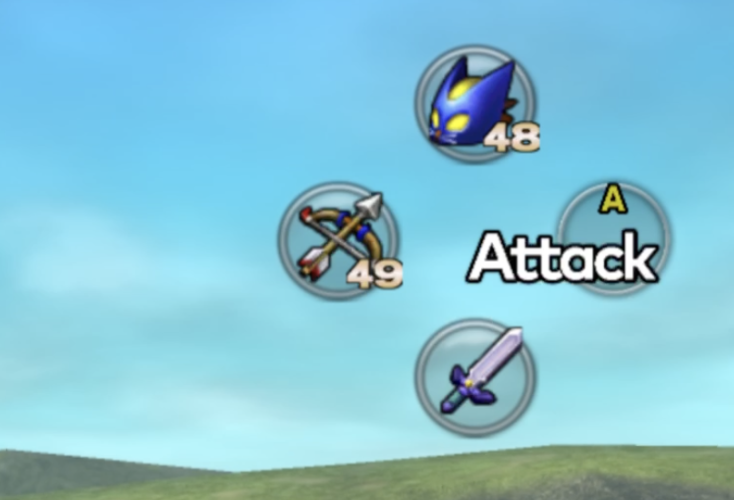 Earlier HUD preview · 1.0 uses blank buttons
A controller-neutral diamond and live D-pad shortcuts keep your items within reach. Blank buttons work across controller styles without changing your mappings.
The touch-screen essentials move to physical controls without bypassing OoT3D’s original item rules.
L + R + ZR cycles through 75%, 100%, 125%, and Off. L + R + D-pad adjusts camera sensitivity and inversion.
Choose Single Screen or Dual Screen, then Mod or ROM Patch. Each ZIP includes North America, Europe, Japan, Taiwan, and Korea.
Merge the mod’s load folder into Azahar/Citra, or apply the regional xdelta with Rom Patcher JS ↗.
Fully restart the emulator and launch the game normally. Don’t resume an older save state.
No. The project changes the HUD, physical input routing, and camera presentation. Progression, combat balance, inventory rules, save data, and the original game remain intact.
Yes. A 4K texture pack is optional: both delivery methods include the required visuals. Use only the pack’s texture directory, not its bundled code mod.
The current release supports USA Rev 1, Europe Rev 1, Japan Rev 1, Taiwan, and Korea. Normal and Master Quest are supported. Match the exact supported ROM using the ROM checksums.
HD HUD design and visual inspiration.
Original standalone C-stick free camera and loader base.
OoT3D structures and established hook conventions.
Creator of the compatible Ocarina of Time 3D 4K texture pack.